Aanmaken template met tailwind css
Aanmaken template
Aanmaak van nieuw theme via dev-tools
Eerst dev tools installeren(bin/gpm install devtools)
en dan nieuw theme aanmaken (bin/plugin devtools new-theme)
Installatie tailwindcss.
in root : npm install tailwindcss postcss autoprefixer
css file aanmaken voor basis import files, bvb. base.css
in root : npx tailwindcss init
aanmaken basis css file : npx tailwindcss css/base.css -o css/custom.css
configuratie files
blueprint.yaml : nodig voor backend sturing : bvb voor blogs of voor toevoegen van eigen variabelen
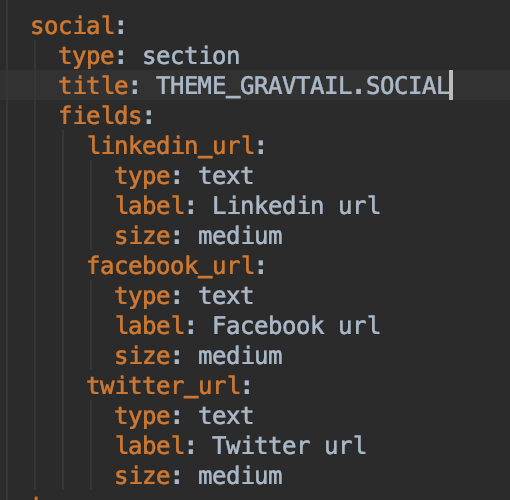 languages.yaml : voor vertaling van een aantal gewone zaken zoals sidebar widget titels
Let op toevoegen van "namespace"
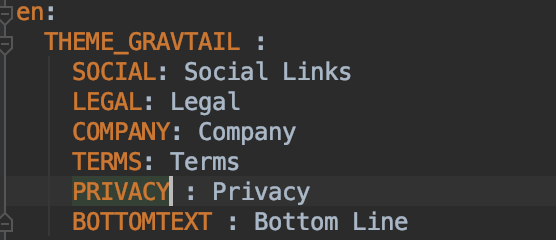
Weergeven van parameters of taalstrings:
 Toegang tot site parameters : bvb {{config.site.default_language }}
referentie
Toegang tot site parameters : bvb {{config.site.default_language }}
referentie